
AI That Delivers Your Deliverables
Turn messy notes, transcripts, and templates into finished client documents — proposals, reports, or SOWs — powered by Microsoft Azure AI and securely integrated with Microsoft 365.
Partners and analysts are drowning in information
Every client project starts the same way — with notes, emails, and ideas scattered across documents. Your team spends hours pulling it all together into a clean proposal, spreadsheet, or report. It’s repetitive, time-consuming, and delays your ability to focus on what really matters: winning and delivering great work.
Meet Your Firm’s AI Knowledge Assistant
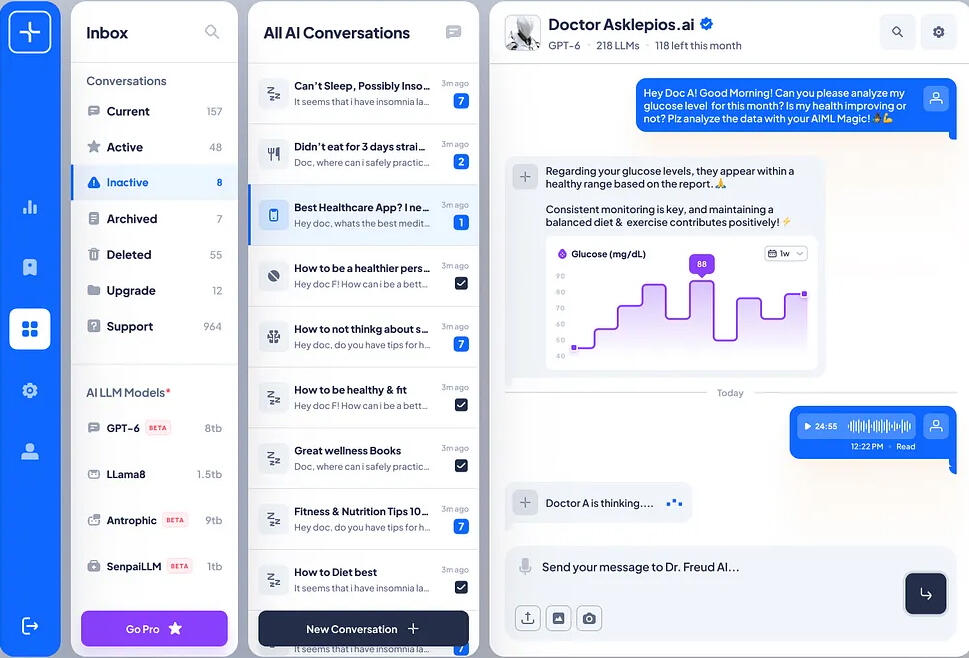
Lightstep’s AI Knowledge Assistant automates the heavy lifting. Using Azure OpenAI, Cognitive Search, and your SharePoint templates, it learns from your past work to:
Summarize client goals and key requirements
Map inputs to scope, deliverables, and resource estimates
Generate proposals, reports, or SOWs from your templates
Improve accuracy and consistency with every project

Proven ROI for Professional Services Firms
Save Days of Manual Work — Go from kickoff notes to polished documents in hours.
Learn from Your Past Projects — AI that gets smarter with every proposal or report.
Secure by Design — Built on Microsoft Azure and deployed in your tenant.
Fits the Way You Work — Seamlessly connects to Microsoft 365 and SharePoint.
Secure. Searchable. Seamlessly Integrated. Just measurable efficiency and client impact.
Simple to Use but Customized to Your Processes
Upload or link your client notes, meeting transcripts, or other documents.
AI analyzes, summarizes, and drafts your reports, proposals, contracts, estimates, and deliverables.
Instantly generate your branded proposal, spreadsheet, or SOW using your templates.
Review, refine, and send — in a fraction of the time.
Small and mid-sized firms that live in the document world — consulting, accounting, engineering, marketing, IT services, or professional advisory teams. If you deliver proposals, project plans, or reports to clients, this was built for you.

See how AI can simplify your client work.
Lightstep is a Microsoft Solutions Partner for Data & AI (Azure). We help small and medium-sized businesses unlock enterprise-grade AI.Our mission is to make AI practical, secure, and tailored to your business.Send us your info and we’ll reach out to schedule a quick walkthrough.